- DTF Transfers
-
Ready to Press DTF Transfers
- Holiday Collections
- Special Collections
- Seasons & Travel Collections
- Sports & Game Day Collections
- Awareness & Causes Collections
- Outdoor & Lifestyle Collections
- Medical & First Responders Collections
- Funny / Good Vibes Collections
- Animals Collections
- Wedding & Party Collections
- Family / Friends Collection
- School & Education Collections
- Food Collections
-
Custom Apparel
- UV Stickers
-
Accessories
-
Blank Apparel
- Support
- Free Sample Pack

Trending Now
Popular Products
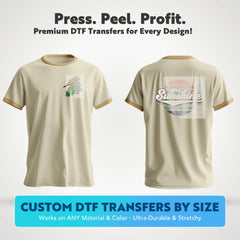
![Custom DTF Transfers By Size - Custom DTF Upload]()
![Custom DTF Transfers By Size - Custom DTF Upload]() Vendor:
SKY Print House
Custom DTF Transfers By Size - Custom DTF Upload
Vendor:
SKY Print House
Custom DTF Transfers By Size - Custom DTF Upload
- From $1.49
- From $1.49
- Unit price
- per
Design. Upload. Press. That’s how simple it is with our Custom DTF Transfers. Whether you're printing for your clothing brand, a sports team, or personal use, our custom-size DTF transfers...
![DTF Gang Sheet - Upload a DTF Gang Sheet]()
![DTF Gang Sheet - Upload a DTF Gang Sheet]() Vendor:
SKY Print House
DTF Gang Sheet - Upload a DTF Gang Sheet
Vendor:
SKY Print House
DTF Gang Sheet - Upload a DTF Gang Sheet
- From $16.99
- From $16.99
- Unit price
- per
Bring your designs to life on any apparel—no limits. Upload your custom gang sheet and let us handle the rest—perfect for maximizing space and printing multiple designs in one go....
![DTF Gang Sheet Builder - Create Your DTF Gang Sheet]()
![DTF Gang Sheet Builder - Create Your DTF Gang Sheet]() Vendor:
SKY Print House
DTF Gang Sheet Builder - Create Your DTF Gang Sheet
Vendor:
SKY Print House
DTF Gang Sheet Builder - Create Your DTF Gang Sheet
- From $16.99
- From $16.99
- Unit price
- per
Easily group multiple designs on a single sheet for smart, streamlined printing. Ideal for bulk orders or testing out a variety of designs in one go. With our DTF Gang...
Trending Now
Popular Products


Vendor:
SKY Print House
- From $1.49
- From $1.49
- Unit price
- per
Design. Upload. Press. That’s how simple it is with our Custom DTF Transfers. Whether you're printing for your clothing brand, a sports team, or personal use, our custom-size DTF transfers...


Vendor:
SKY Print House
- From $16.99
- From $16.99
- Unit price
- per
Bring your designs to life on any apparel—no limits. Upload your custom gang sheet and let us handle the rest—perfect for maximizing space and printing multiple designs in one go....

Vendor:
SKY Print House
- From $16.99
- From $16.99
- Unit price
- per
Easily group multiple designs on a single sheet for smart, streamlined printing. Ideal for bulk orders or testing out a variety of designs in one go. With our DTF Gang...

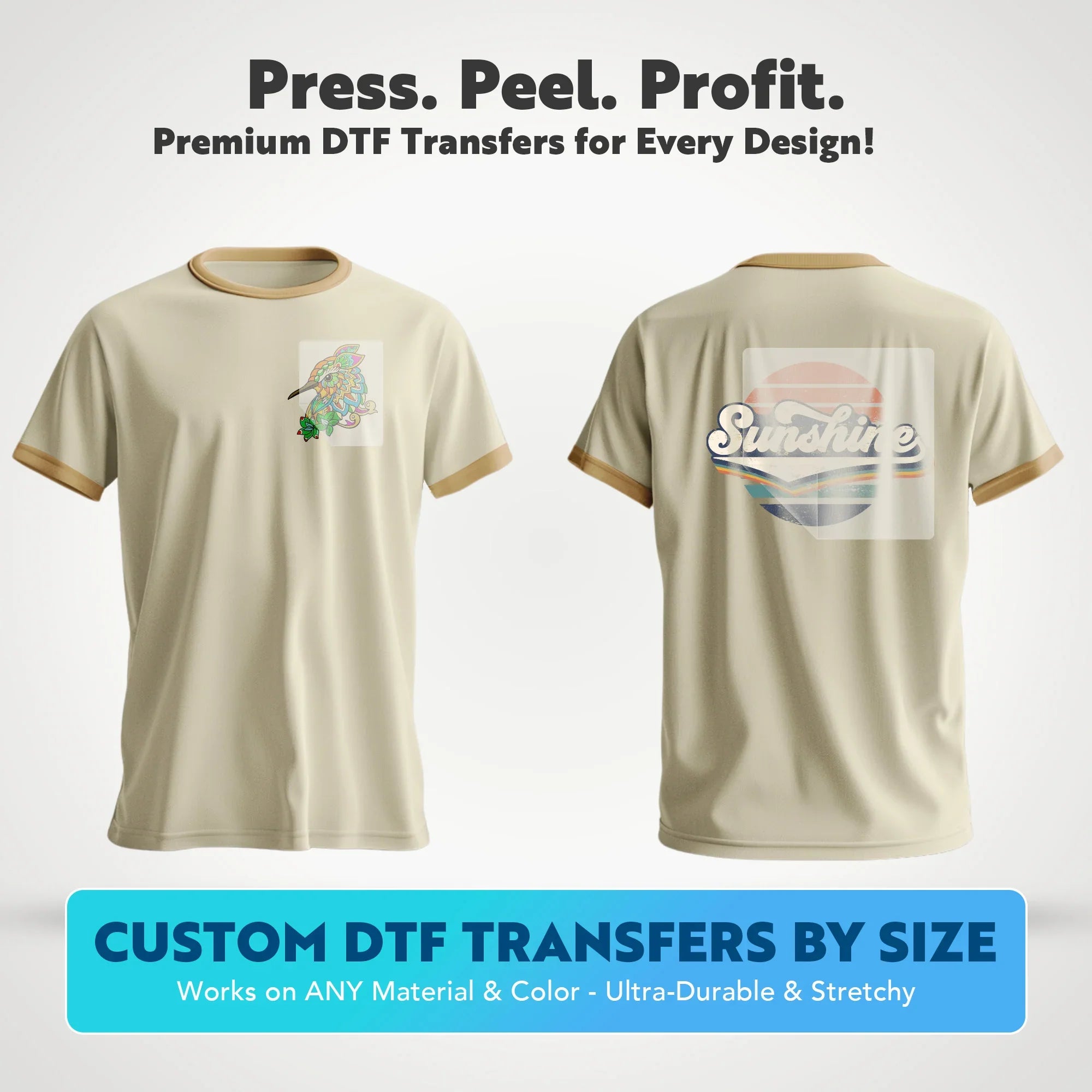
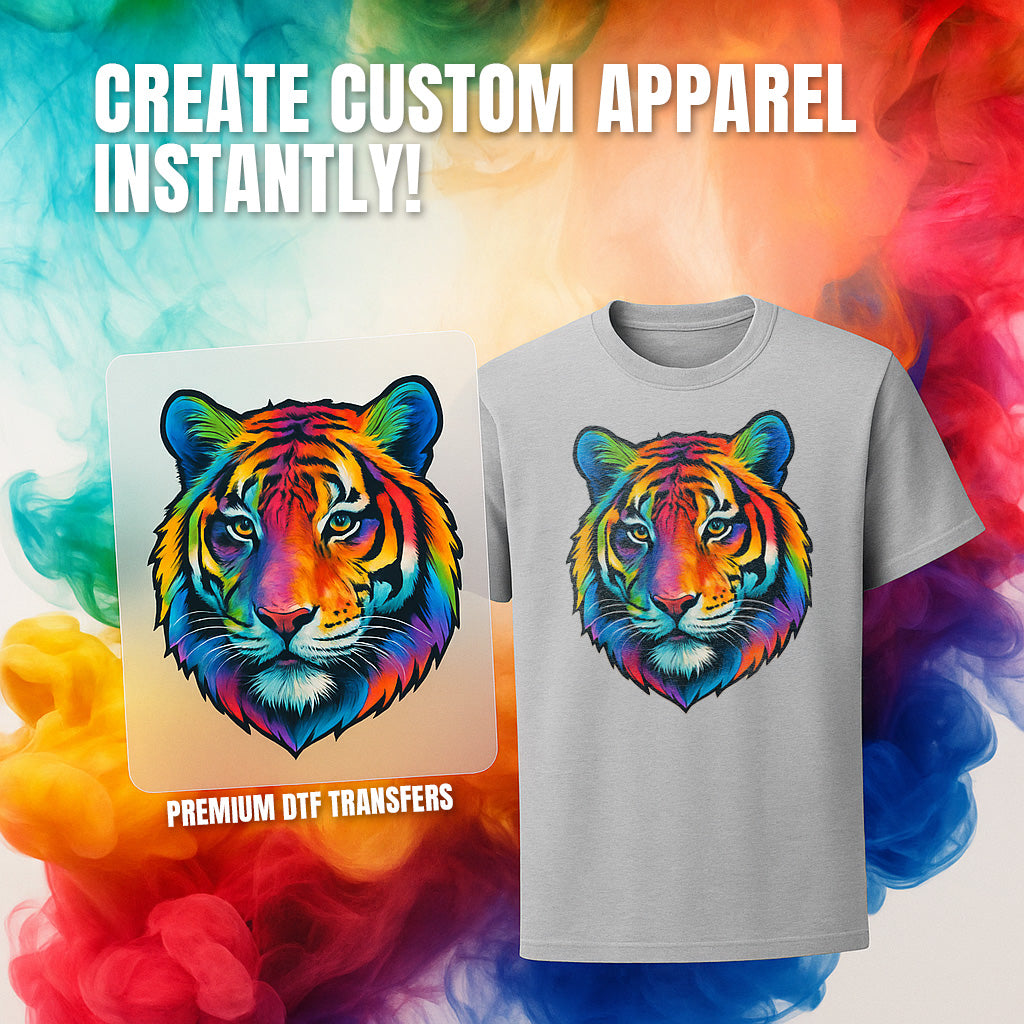
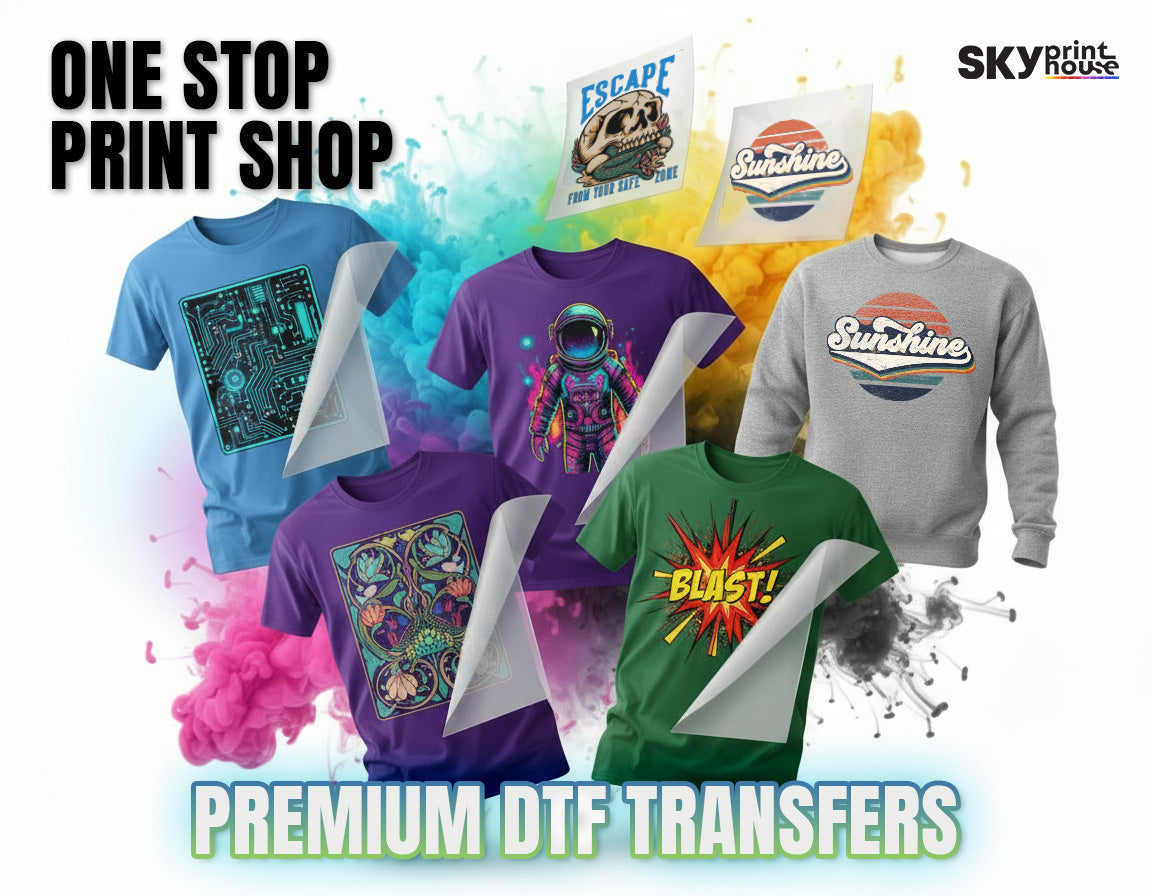
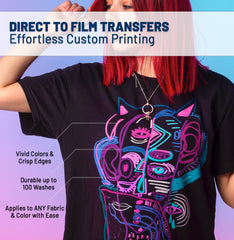
Custom DTF Transfers By Size - Custom DTF Upload
10 customers are viewing this product
- $1.49
- $1.49
- Unit price
- per
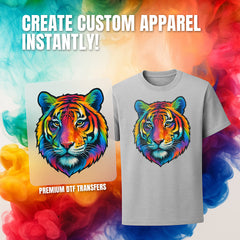
Create T-Shirts in Seconds
Skip the weeding and masking. Just press, peel, and profit instantly.
Works on Any Fabric or Color
Perfect for cotton, polyester, blends, denim, and dark garments.
No Minimums or Setup Fees
Order exactly what you need. Whether it's 1 or 1,000 prints.
Lightning Fast Turnaround
Order by 2 PM EST and we'll print and ship your custom transfers today.
Commercial Grade Durability
Stretch-resistant and rigorously tested to withstand 50+ washes.
Free Shipping
Free standard shipping on orders over $70
Easy Returns & Store Credit
Learn More.
Complete your order with Blanks
View All →


How to Order — Tutorial
 📹 Tutorial
Added to Cart!
View Cart
Item successfully added.
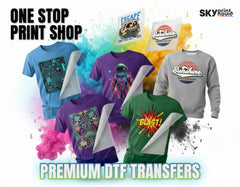
WHY SKY PRINT HOUSE
Custom DTF Transfers by Size
Printed Exactly How You Need
Choose the exact size you need, upload your artwork, and receive press-ready DTF transfers made for consistent results.
Built to Withstand Real Use
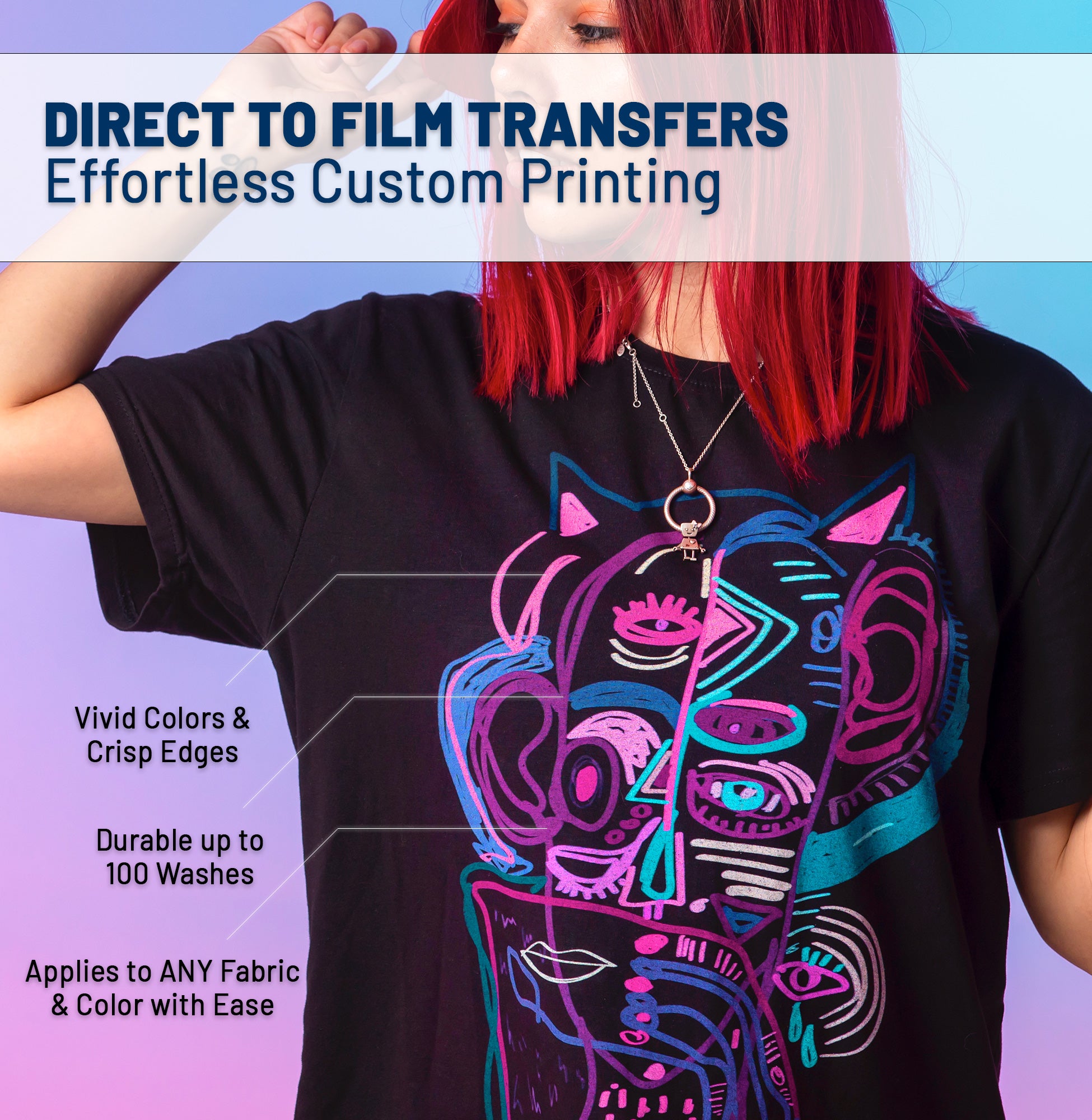
Prints stay flexible and intact through heavy wear and 100+ washes no cracking, no peeling.
Clean Peel, Consistent Pressing
Smooth release every time. Easy to apply with predictable results, even on first press.


Sharp Detail & True Color Output
Crisp edges, solid whites, and vibrant colors optimized for logos, illustrations, and text.
Flexible on Any Fabric
Works on cotton, polyester, blends, and performance fabrics. Moves with the garment no stiff feel.
Easy Application
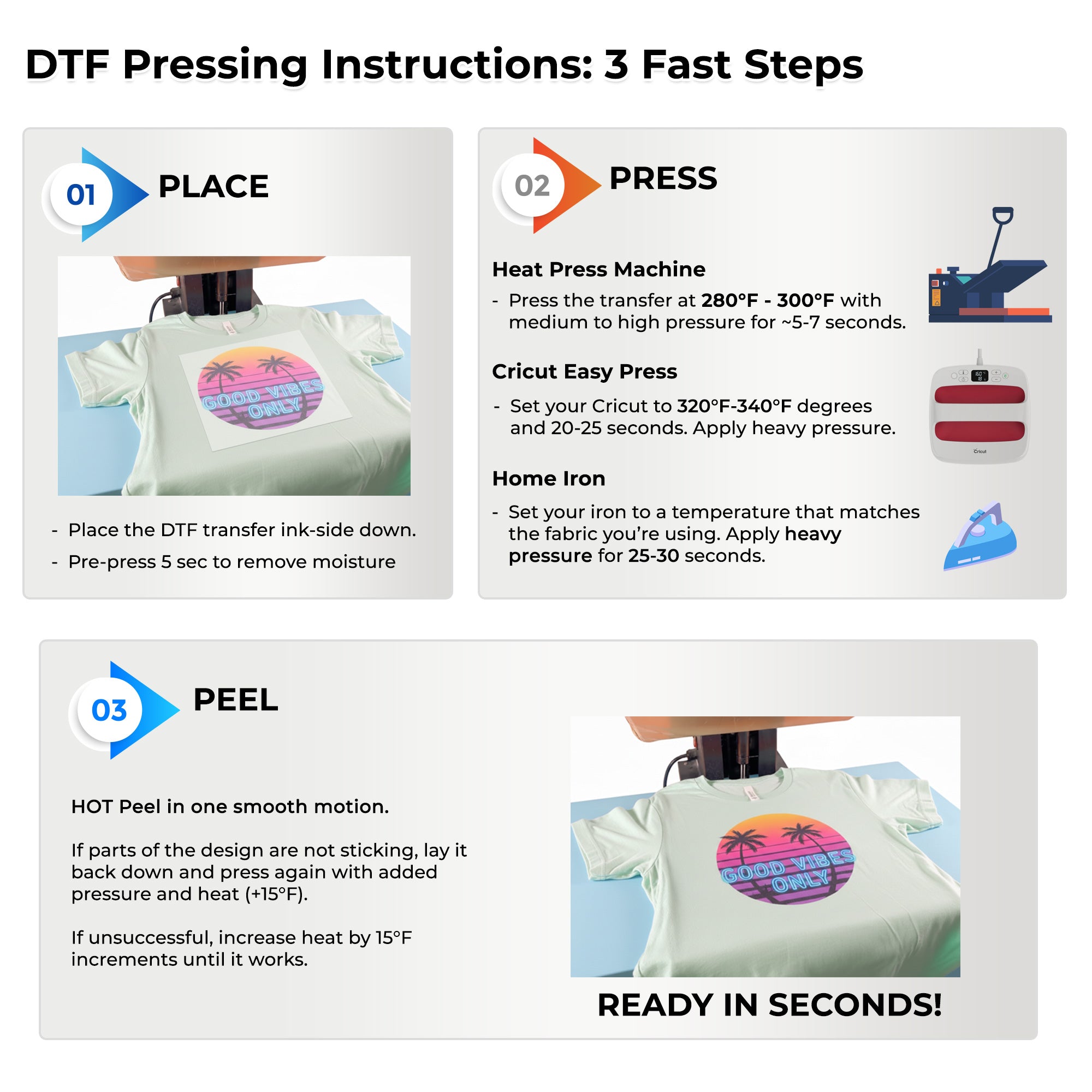
How to Apply DTF Transfers?
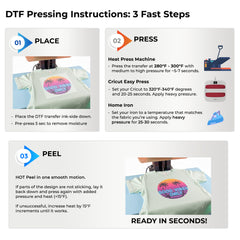
Applying DTF transfers is simple and fast. Just position the design on your garment, press it using a heat press with the correct settings, and peel the film.
1

Place The Transfer
Position your DTF transfer film design-side down onto your garment. Make sure the fabric is smooth and wrinkle-free.
Pre-press garment for 3-5 seconds to remove moisture
Place transfer design-side down on fabric
Ensure proper alignment before pressing
2

Press It
Apply heat and pressure using your preferred method. Temperature and time vary by equipment type.
Heat Press: 300°F for 10-15 seconds, medium pressure
Cricut Easy Press: 320°F for 20 seconds, hard pressure
Home Iron: Press for 30 seconds, hard pressure
3

Peel It Warm or Cold
Remove the transfer film to reveal your vibrant, professional-quality print. Works with warm or cold peel.
Warm Peel: Wait 5-10 seconds, peel slowly
Cold Peel: Let cool completely before peeling
Re-press: Optional 5-second press for extra durability
Related Products
SKY PRINT HOUSE
SKY PRINT HOUSE
SKY PRINT HOUSE
SKY PRINT HOUSE