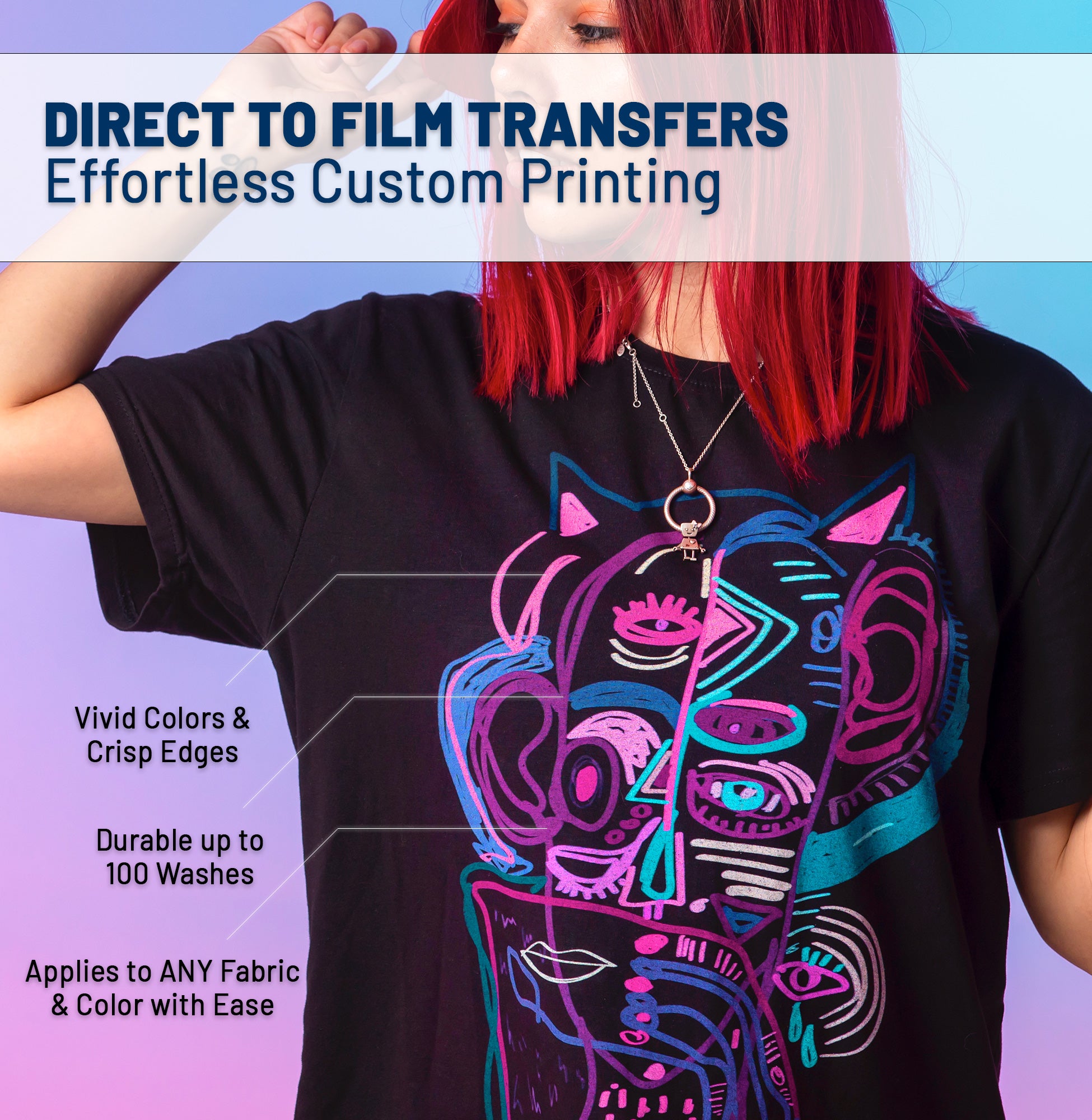




You've designed a masterpiece. The colors are popping, the concept is fire. But when you upload it for printing, the result is... blurry? Pixelated? Surrounded by a weird white halo?
Don't panic. 99% of printing issues happen before we even press print. DTF technology is incredibly precise, but it requires specific file parameters to shine. Here is your definitive checklist for print-ready artwork.
📏 Rule #1: Resolution is King (300 DPI)
What is DPI?
DPI stands for Dots Per Inch. The web uses 72 DPI (low quality for print). We require 300 DPI at actual print size.
The Mistake: Downloading an image from Google Images (usually 72 DPI) and just increasing the resolution in Photoshop. This just makes a "blurry large image." You must start with high-resolution assets.
🎨 Rule #2: Transparent Backgrounds Only
DTF printers print everything they see. If your image has a white box behind it, we will print that white box.
- ✅ WE ACCEPT: .PNG, .TIFF, .PSD, .AI, .PDF (with transparent backgrounds)
- ❌ WE DO NOT ACCEPT: .JPG or .JPEG (These files do not support transparency)
💡 The "Semi-Transparent" Trap
Ensure your edges are crisp (hard pixels). Avoid "feathering" or "glow" effects that fade to transparency. The printer will try to put white ink under those semi-transparent pixels, resulting in a visible white halo around your design.
🌈 Rule #3: CMYK vs. RGB
Screens emit light (RGB: Red, Green, Blue). Printers use ink (CMYK: Cyan, Magenta, Yellow, Black).
RGB (Screen)
Can display super-bright neon colors that ink cannot physically reproduce.
CMYK (Print)
The physical reality of ink. We convert all files to CMYK before printing.
Pro Tip: Build your design in CMYK mode from the start. This prevents the disappointment of seeing your "electric lime green" turn into "forest green" on the final shirt.
💾 Rule #4: Line Thickness
DTF is amazing at detail, but physics has limits.
- Minimum Line Weight: 0.018 inches (approx 2 pixels at 300 DPI).
- Anything thinner might not have enough adhesive to stick to the shirt during the wash cycle.
🚀 Quick "Pre-Flight" Checklist
Before you upload:
- ☐ Is the file 300 DPI at actual size?
- ☐ Is the background transparent?
- ☐ Are fonts outlined/rasterized? (So they don't change)?
- ☐ Is it saved as a high-quality PNG?
- ☐ Did you check for stray pixels?
Ready to print? Upload your perfect artwork to our UV Sticker Gang Sheet Builder and let's bring your vision to life.