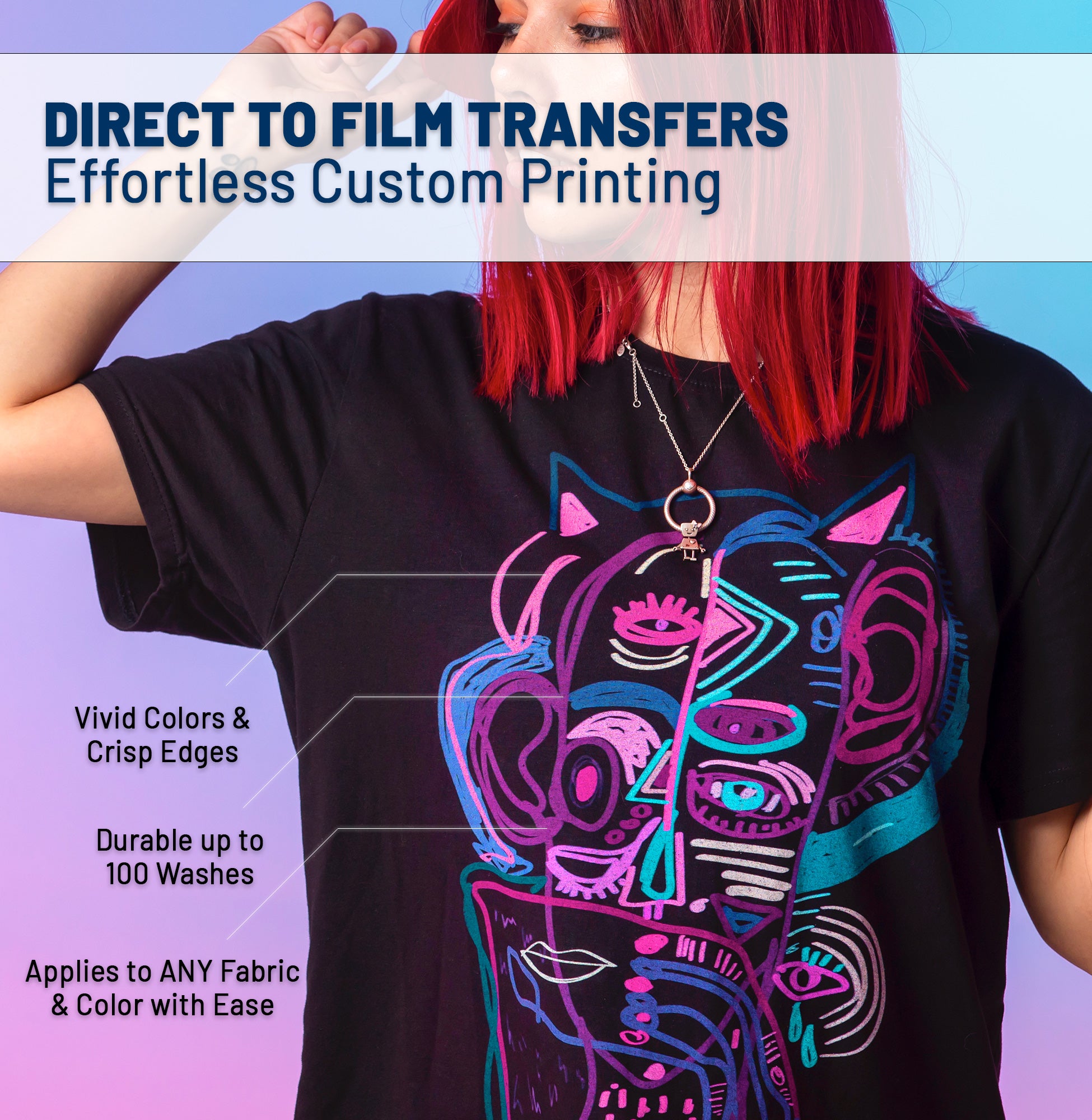




Your design may look incredible on screen, but that doesn't mean it's print-ready. Here's everything you need to know to prepare your artwork for a flawless DTF transfer—no reprints, no surprises.
Rule #1: Resolution Is King (300 DPI Minimum)
The number one mistake we see at Sky Print House is low-resolution artwork. If your design looks pixelated when you zoom in at 100% on your screen, it will look pixelated on the shirt.
How to check in Photoshop: Go to Image > Image Size. Look at the "Resolution" field. If it says 72 DPI, you need to upscale or recreate your artwork.
Rule #2: Transparent Backgrounds Are Non-Negotiable
DTF printing doesn't have a white ink "cutout" feature like screen printing. If your file has a white background box, that white box will print on your garment.
-
Correct Format:
.PNGwith transparency enabled. - Check: Open your file. If you see a checkerboard pattern behind your design (in Photoshop, Canva, or Illustrator), you're good.
-
Avoid:
.JPGor.JPEGfiles. These formats do not support transparency.
| File Format | Transparency | Recommended? |
|---|---|---|
| PNG | ✅ Yes | Best Choice |
| PSD (Photoshop) | ✅ Yes | Accepted |
| PDF (Vector) | ✅ Yes | Accepted |
| JPG / JPEG | ❌ No | Avoid |
Rule #3: Get Your Sizing Right the First Time
We can't read your mind. If you upload a small logo and expect it to print across the entire chest, you'll be disappointed. Always design to the exact dimensions you want printed.
3.5" x 3.5"
12" x 14"
Pro Tip: When in doubt, include a note with your order specifying your desired print dimensions in inches.
Rule #4: Color Mode Matters (RGB vs. CMYK)
DTF printers use CMYK + White inks. If your design file is in RGB mode (the default for screens), some vibrant colors like neon green or electric blue may shift slightly when printed.
- Best Practice: Design in RGB for screen previews, but be aware that "out of gamut" colors may look different.
- Neon/Fluorescent Colors: These are impossible to replicate with CMYK inks. Expect a close approximation, not an exact match.
The Ultimate Artwork Checklist ✅
Before you upload, run through this list:
- ☐ Resolution is 300 DPI at final print size.
- ☐ File format is PNG with a transparent background.
- ☐ Dimensions are correct (e.g., 12" x 14" for full front).
- ☐ No stray pixels or unwanted white edges around the design.
- ☐ Text is rasterized or outlined (to avoid font issues).
Still Have Questions?
Our team reviews every single file before it goes to print. If we spot an issue, we'll reach out. But following these guidelines will speed up your order and ensure perfect results from day one.
Ready to bring your design to life? Upload your artwork now and let Sky Print House handle the rest.